Conventional Camera
For scene radiance \(\phi\), exposure time \(\tau\), optical response function \(\Gamma\), the intensity \(I\) of the pixel can be modeled as [1]:
Where FWC is the pixel’s s full well capacity, and many sources of noise, including read noise and photon shot noise, which we absorb into \(\mathcal{N}\).
This sensor modeling is incorporated into emulate_rgb_from_sequence, which, when given appropriate noise parameters and sequence of ground truth RGB frames, will emulate a conventional camera.
Using the interpolated frames from the Quick Start guide, we can easily generate conventional RGB frames with varying levels of noise and blur:
$ visionsim emulate.rgb --input-dir=quickstart/lego-interp/ --output-dir=quickstart/rgb/ --chunk-size=160 --readout-std=0
Similarly, we can emulate an RGB camera using the API like so:
from pathlib import Path

import imageio.v3 as iio
import matplotlib.pyplot as plt
from mpl_toolkits.axes_grid1 import ImageGrid
from natsort import natsorted

from visionsim.emulate.rgb import emulate_rgb_from_sequence

# Read all images, normalized to [0, 1] range
imgs = [iio.imread(p).astype(float) / 255 for p in natsorted(Path("lego-interp/").glob("*.png"))]

# Emulate RGB camera by varying exposure, with no noise
blur = [emulate_rgb_from_sequence(imgs[:n], readout_std=0, fwc=n) for n in (10, 40, 160, 640)]

# Emulate RGB camera by varying noise, with fixed blur
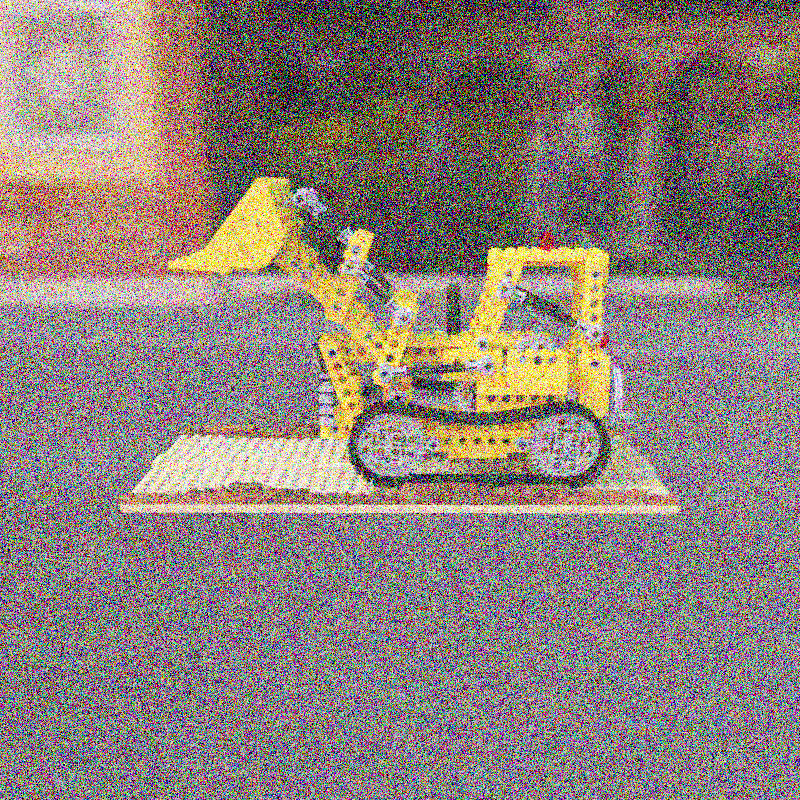
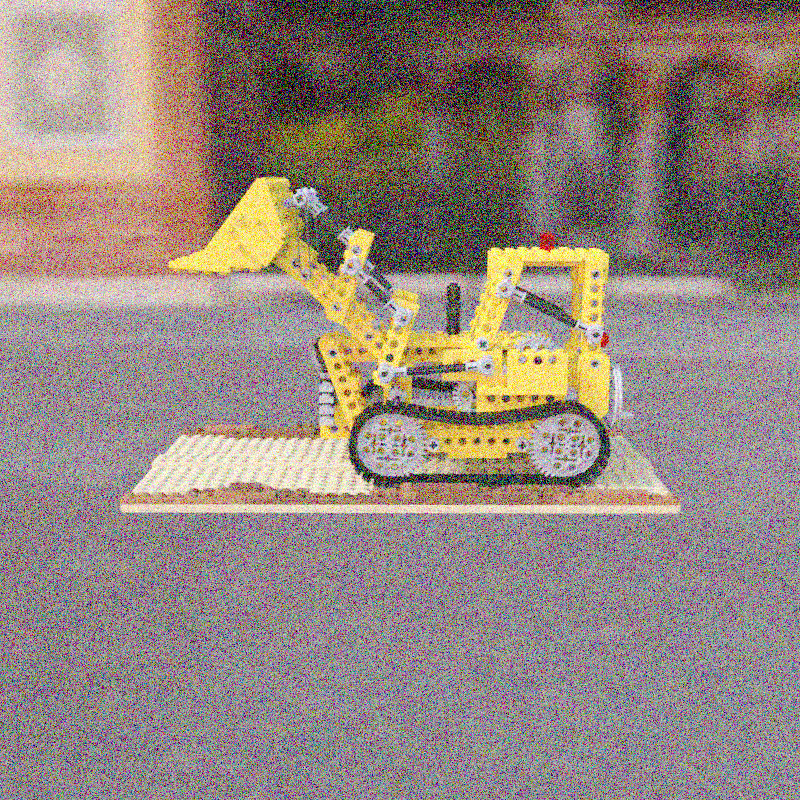
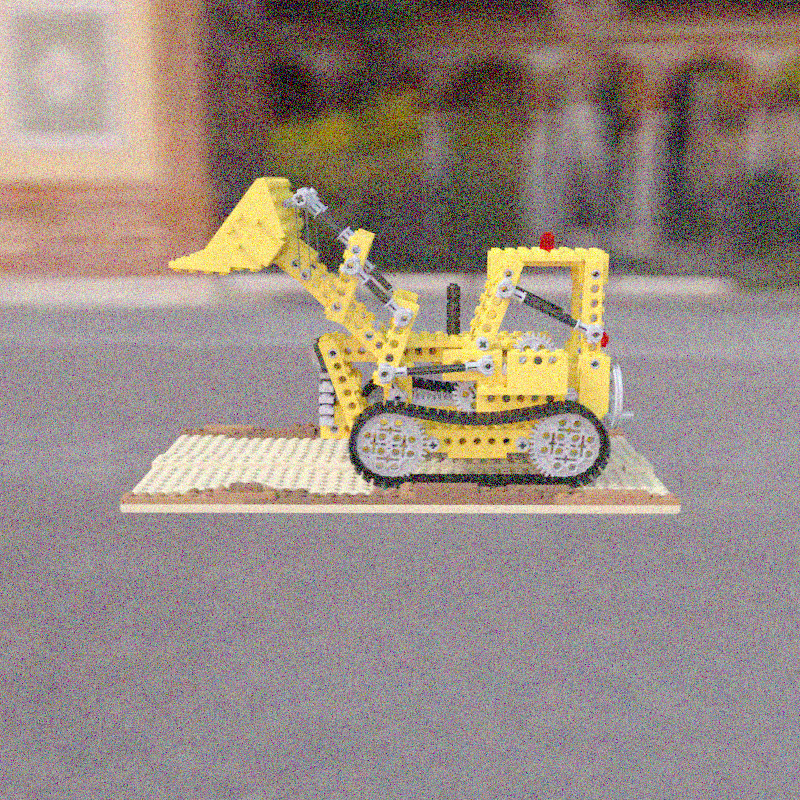
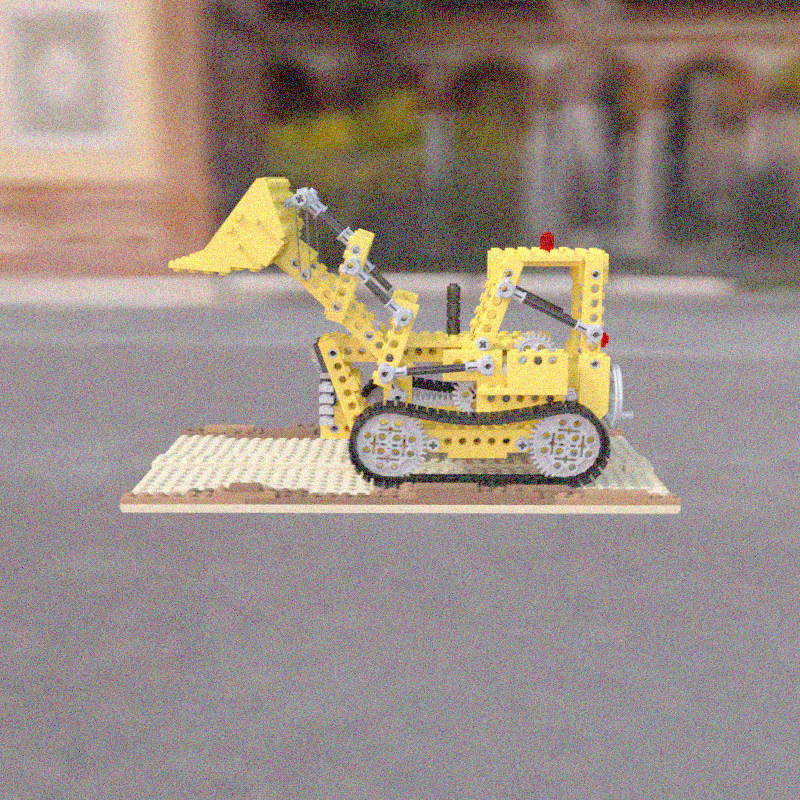
noise = [emulate_rgb_from_sequence(imgs[:80], readout_std=n, fwc=80) for n in (80, 40, 20, 10)]

# Plot result
fig = plt.figure()
grid = ImageGrid(fig, (1, 1, 1), nrows_ncols=(2, 4))

for ax, img in zip(grid, blur + noise):
    ax.set_axis_off()
    ax.imshow(img)
plt.show()
Note
The fwc or full-well-capacity argument is not in units of electrons, since we have no physical camera model which matches an rgb linear intensity to a number of electrons, but rather is relative to the chunk-size. A FWC equal to the chunk size means that, if each image has a normalized intensity of 1.0, the well will fill up.
Varying the sequence length, we emulate a longer exposure time, leading to more blur:
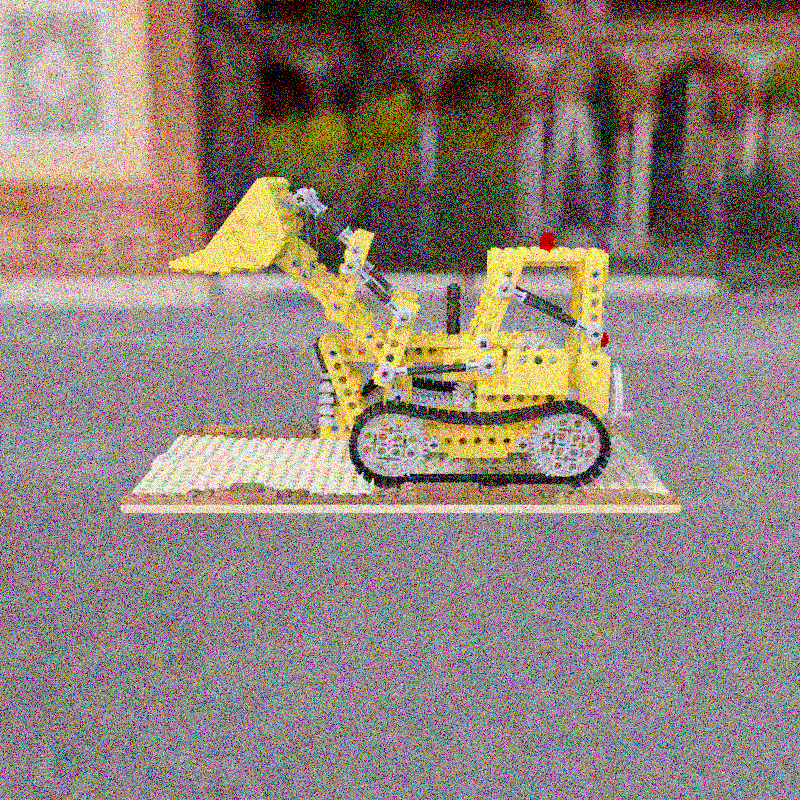
|
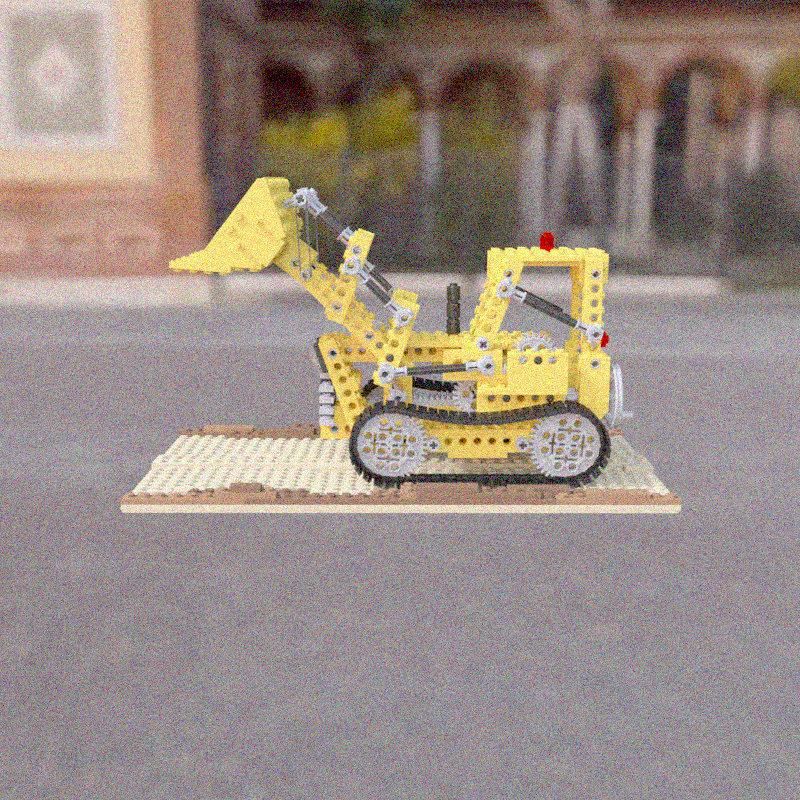
|
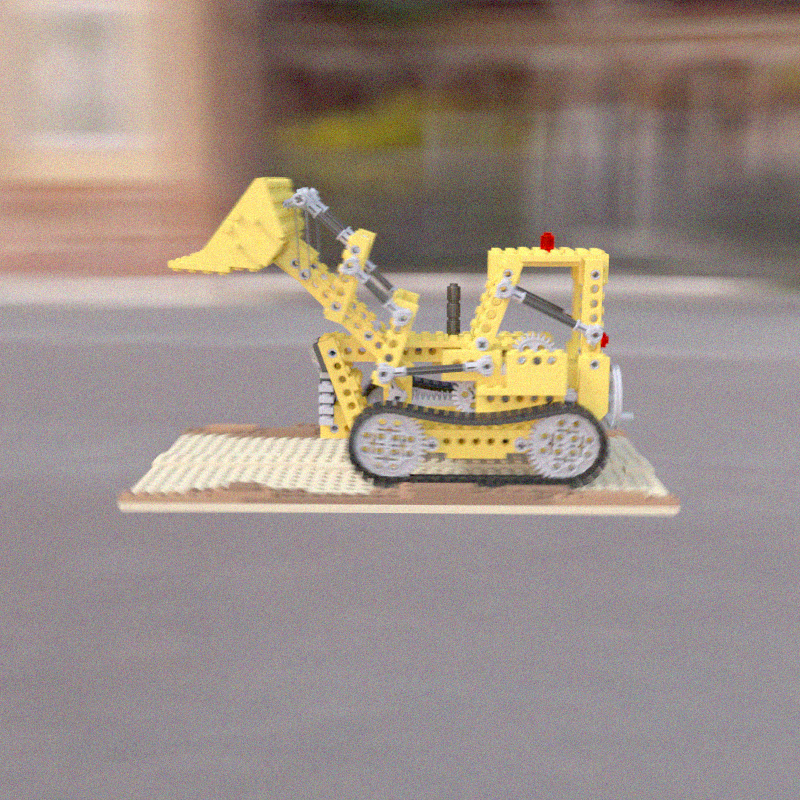
|
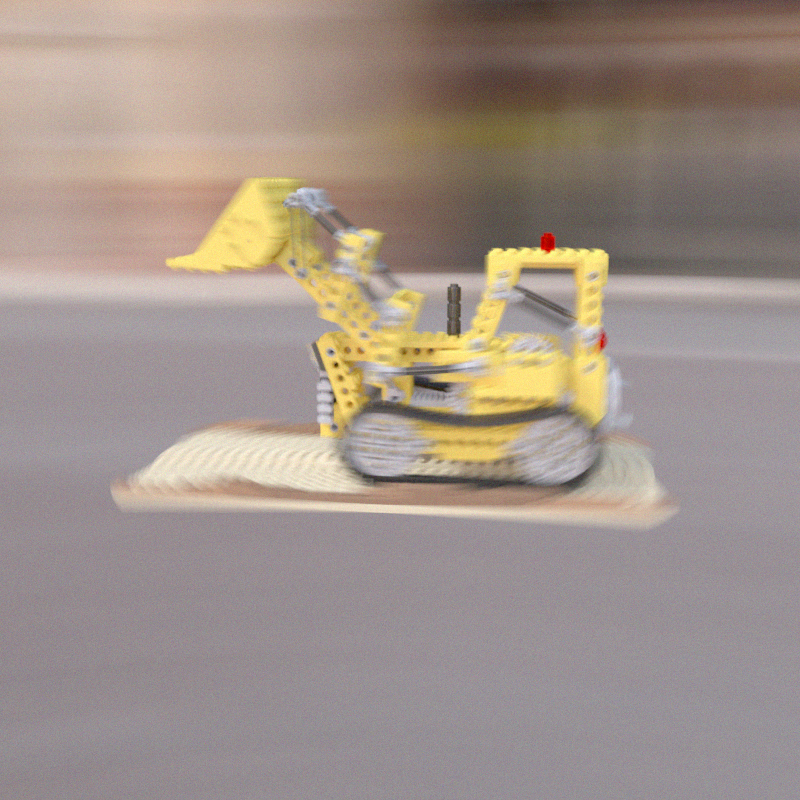
|
The amount of read noise can also be changed, here it is lowered from left to right:
|
|
|
|